Read summarized version with
Loading content...
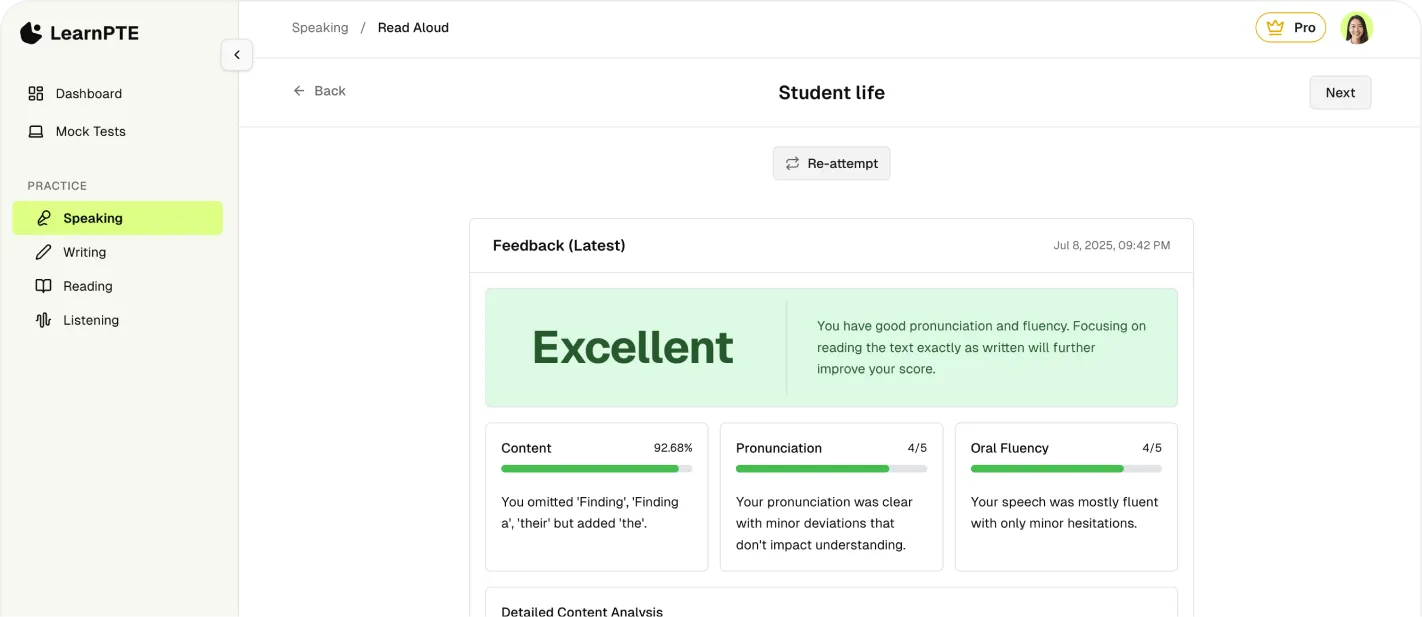
Practice for your PTE test with the most comprehensive and easy to use AI platform.
How PTE Academic's Respond to a Situation task works: 10 seconds to prepare, 40 seconds to speak, and content that includes the goal of the situation.

Discover your PTE speaking personality type—Rusher, Hesitator, Robot, or Perfectionist—and learn tailored strategies to improve your speaking score.
Discover the exact scoring mechanics, memory-training techniques, and time management hacks to ace the most critical task in PTE Academic.
A PTE Academic test centre is a room of people speaking into microphones at the same time. Pearson’s test-taker handbook says so directly, and it recommends keeping your headset on for the whole test. If you have only ever practised in a quiet bedroom, the room can pull your attention away from the item on your screen.
You are scored on what your own headset microphone records. Pearson’s equipment tip says there may be background noise, including other candidates answering, and that you are assessed on the responses you provide through that microphone. The aim is to be clear in your own mic, at a conversational volume, rather than to be the loudest person in the room.
You sit in a cubicle, often close to other candidates. When speaking tasks begin, several people talk at once. That is expected. The handbook also says the test is designed for normal conversational flow and volume, and that you do not need to raise your voice.
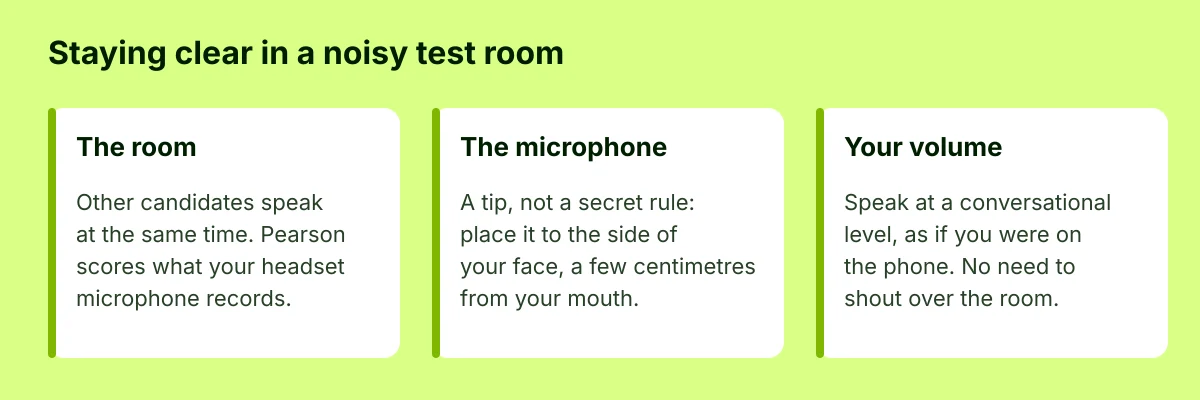
Pearson publishes a placement tip, and the rest is practice. In its test tips, the microphone goes to the side of your face, a few centimetres from your mouth. The equipment article describes the same idea as about two fingers’ distance, and it says to speak clearly without shouting or whispering.
These are tips you can try during the equipment check, not extra rules with their own scores:
This is published Pearson behaviour, not a classroom rumour. On Answer Short Question, the speaking and writing format says that if you wait more than three seconds after the status shows Recording, the recording stops and the item changes to Completed. If you stop for three seconds while you are speaking, the status changes to Completed even if you have not finished, and you cannot continue. Pearson says the same thing applies to Read Aloud, Repeat Sentence, Describe Image and Retell Lecture. The test tips summarise it as: the microphone closes after three seconds of silence.
In a noisy room, the useful habit is to watch the status on your screen and start when it says Recording. Waiting for the room to go quiet can close the microphone before you have answered.
Your response is the one the headset microphone records. Start when the status says Recording, and keep the pauses short.
— LearnPTE
Test day does not have to be the first time you speak with other voices in the background. These are optional drills, not requirements:
LearnPTE mock tests include an optional background-noise control you can switch on while you practise speaking. It is a practice aid, described in our background noise note, not a replica of a particular test centre.
Turn background noise on during a mock speaking section, then listen back to your fluency and pronunciation. Try a free question.
Deal with equipment during the test. Deal with scores afterwards, through the process Pearson actually publishes.
During the test. The PTE Academic test-taker handbook says that if there is a problem with the equipment check, you must immediately raise your hand and tell the test administrator. The same handbook says to raise your hand for hardware or software problems, or for distractions that affect your ability to take the test, as long as other candidates are not disturbed. Do not wait until the score report to mention a headset that failed during the exam.
After the results. A technical review and a rescore are different services. Pearson’s rescore and technical review policy says a technical review checks the audio for a technical problem that may have affected the speaking score. It does not itself change your scores. You must request it within 15 business days of receiving your results, and the fee is US$50. The fee and the test fee are refunded only if a technical issue is found. If none is found, they are not refunded.
A general complaint. Use Pearson’s complaints form. Pearson aims to respond within 10 working days, and says it will contact you if the investigation needs longer. There is no 48-hour complaint portal.
Raise your hand while the problem is happening. After results day, use the technical review or the complaints form, and mind the deadlines Pearson publishes.
— LearnPTE Team